
Countdown Pro
The countdown that knows your board
A monday.com dashboard widget and board view that connects live countdowns to the dates, groups, and status already on your board.
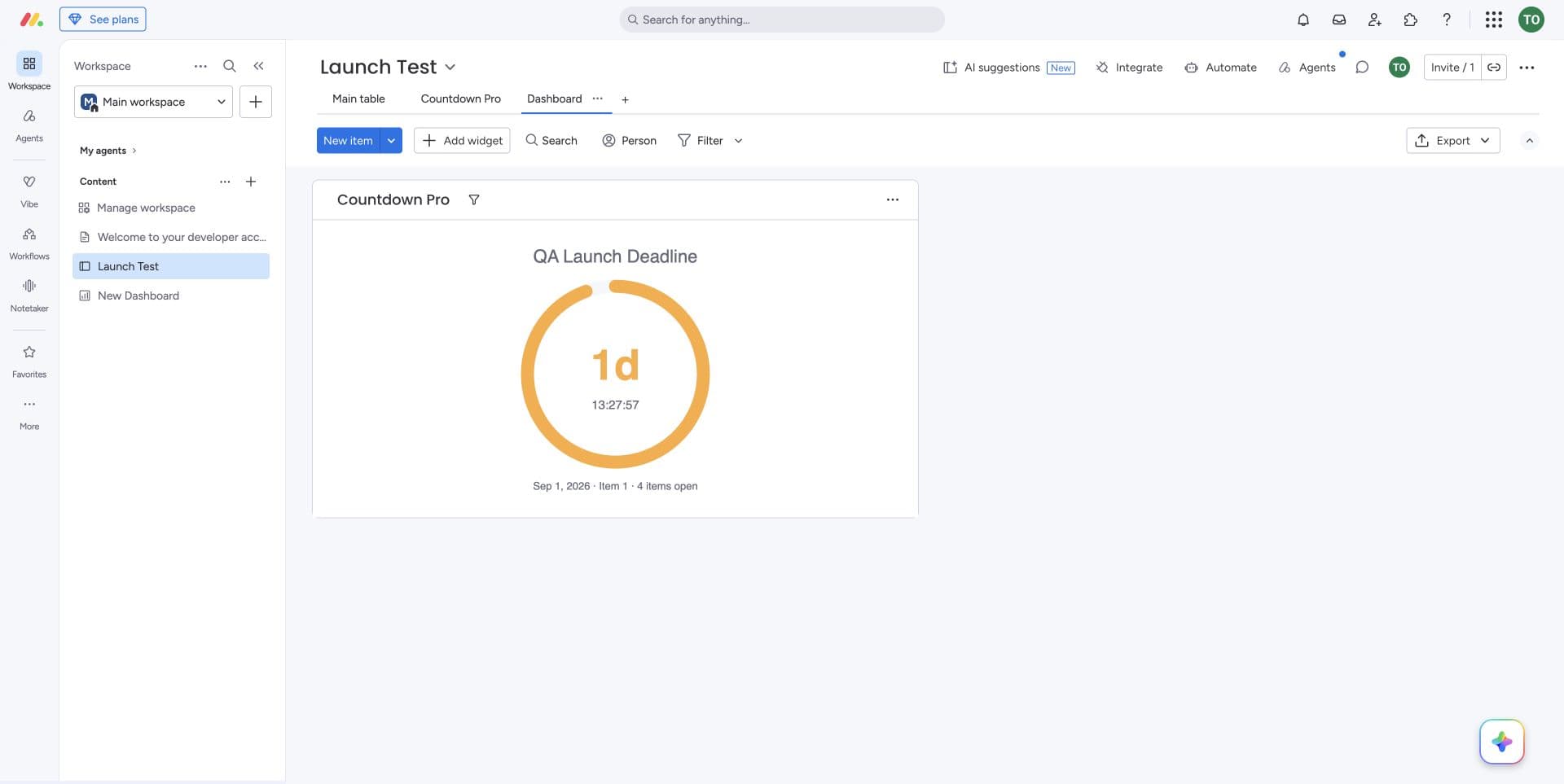
One deadline. Sixteen ways to make it more useful.
Countdown Pro goes beyond a free-floating clock by connecting display, date logic, and board context.
Display
Five display styles
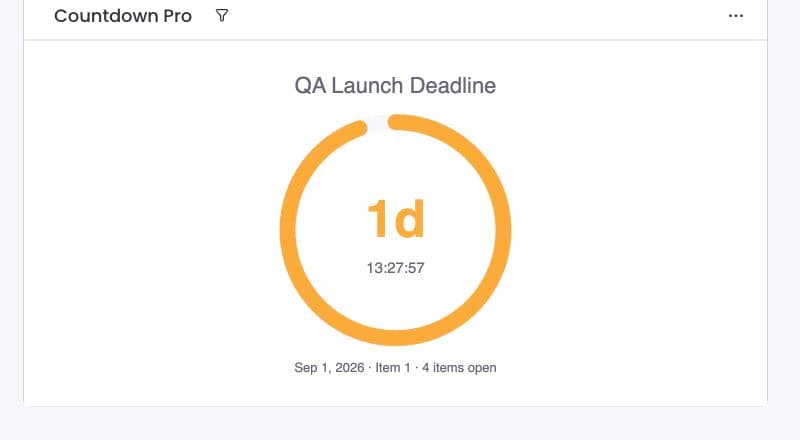
Choose digit blocks, flip clock, progress bar, countdown ring, or plain text.
Full theming
Control accent, background, image, text colors, and top and bottom labels.
Custom done message
Replace zero with the message that fits the moment.
Count-up mode
Show elapsed time since a date when the story starts after zero.
Visible overdue state
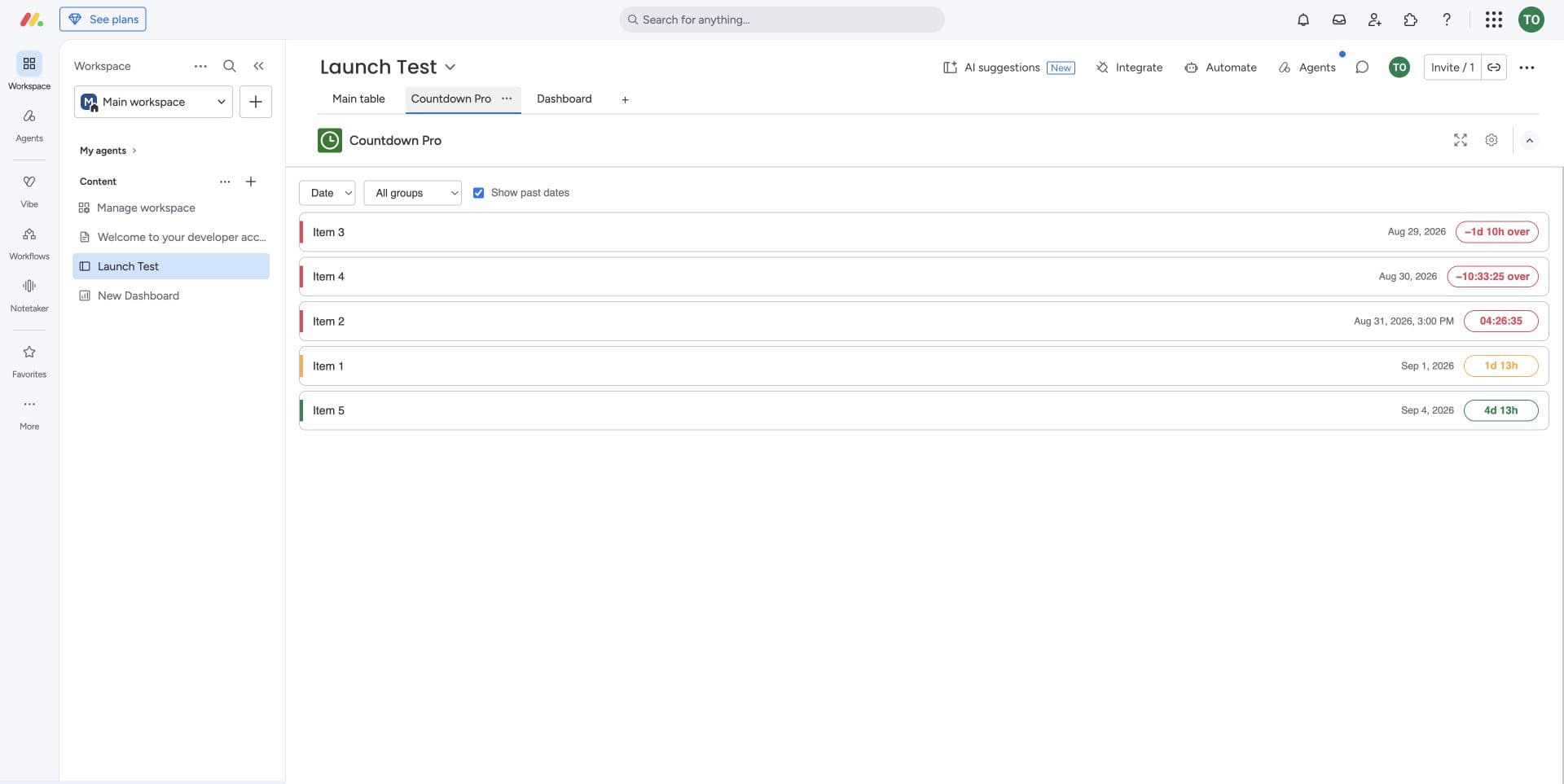
Keep counting past zero with a clear negative, red overdue treatment.
Color thresholds
Change digits, bars, and rings as a deadline moves from safe to urgent.
Multiple timers
Keep more than one milestone visible in a single dashboard widget.
Dates
Date-column binding
Bind a countdown to one item or the earliest date in a monday date column.
Next-deadline roll
Automatically move to the next future deadline when the current one passes.
Business days
Skip weekends and your own holiday list when working time is what matters.
Recurring countdowns
Repeat daily, weekly, or monthly without rebuilding the timer.
Timezone modes
Use one global instant or the same wall-clock time for every viewer.
Scheduled start
Keep a countdown hidden until the moment it becomes relevant.
Behavior
Per-item board view
See every dated item as a live, sorted countdown directly on the board.
Items-still-open context
Pair the clock with the number of unfinished items behind the deadline.
Group and status filters
Scope timers and the board view to the work that actually belongs in the count.
Pricing
$1 per seat per month
One plan with every feature, priced per monday.com seat. Larger accounts get automatic volume discounts; yearly billing is available.
14-day free trial on every install. No card is taken before the trial ends.
Billed and managed entirely inside monday.com through the marketplace. Wild West Labs never handles payment details.
From one milestone to every date on the board.
Use the dashboard widget for a focal deadline or switch to the board view to scan every dated item in order.

Start with the board you already have.
Coming soon to the monday.com marketplace. The documentation is ready now.